
Visualizing gain reduction can strongly influence how we make decisions while listening. Because visual perception often takes precedence over auditory perception, the way an effect looks on meters can shape how we hear it and how we use it in a mix or master. This mismatch is similar to the McGurk effect, where what we see can actually overrides what we hear.
During HiFAL's prototyping, we initially used large, traditional variable meters similar to those found in most modern plugins. But I found they led me to work more conservatively than I would with an analog counterpart. It became clear the GUI needed to reduce visual dominance and encourage more confident, intuitive use without letting the eye override the ear.

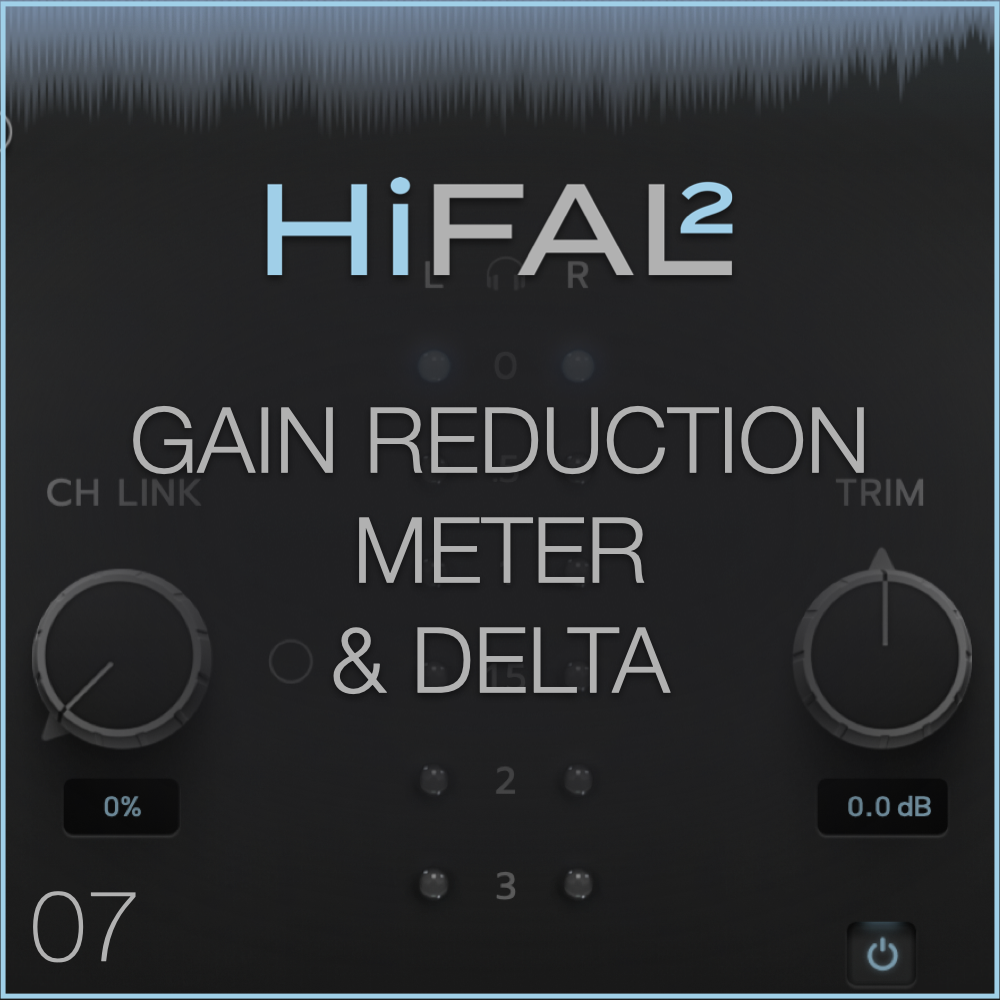
That insight led to HiFAL's continuous illumination gain reduction meter. The meter intentionally limits the visual representation of gain reduction, providing just enough feedback to guide you while encouraging you to work predominantly by ear.
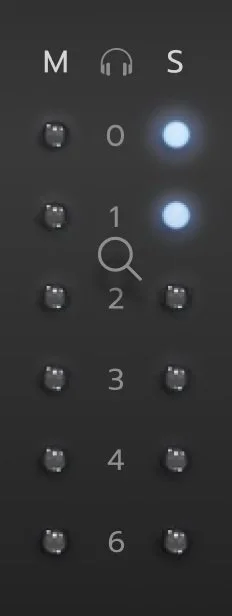
With the meter set to the 6 dB scale, as the first bulb begins to illuminate between the 0 dB and 1 dB marks, you are applying up to 1 dB of limiting. When that light is fully lit and the next bulb starts to glow, you are entering the 1 to 2 dB range, and so on. You can think of each light as representing a different attack and release time. The first light is extremely slow, allowing natural transients to pass without interruption. As more lights ignite, the attack and release become progressively faster, allowing HiFAL to control only the most egregious transient spikes while leaving all others in their natural state.
Hovering over the GR meter turns your mouse into a magnifying glass. By clicking once, the GR meter will cycle between 0-3dB, 0-6dB and 0-12dB.
In Practice:
When working with HiFAL, I set the threshold so the 0 dB light just begins to illuminate during moderately loud sections. This provides gentle control over overall brightness without altering transients, while still allowing HiFAL to respond more aggressively to sharp or pokey elements when needed. At this setting, makeup trim is usually unnecessary. In mastering, I use the Trim to adjust brightness relative to other songs on the album, while the Threshold controls the amount of HF transient limiting.
Delta
HiFAL’s Delta mode lets you hear the difference between the input signal and the processed output of the Main HiFAL only. Instead of monitoring the full mix, Delta solos the content being reduced by the limiter—highlighting the high-frequency information HiFAL is controlling.
Listening to the Delta signal can be useful for inspecting how much limiting is occurring and which frequencies are being affected. You might hear sibilance, harsh transients, or high-end build-up that HiFAL is taming.
However, the Delta signal is intended for inspection only. It should not be used to make musical decisions, as it doesn’t represent the full context of the processed signal in the mix.
It’s important to note that the Delta button bypasses the Parallel Limiter. This is because the Parallel Limiter signal is additive, while the main HiFAL process is subtractive. Auditioning both processes together in Delta mode is often unhelpful. If you want to isolate the Parallel Limiter’s contribution to the mix, use its dedicated Solo button below the Parallel fader.
In Practice:
Delta wasn’t part of the analog workflow. Engineers didn’t obsess over what was different—they listened to what worked. I recommend doing the same here. The difference signal can pull your attention away from the music and toward technical distractions. Like the McGurk effect, Delta can make you second-guess settings that actually sound right in context. It often leads to dialing things back that your ears had already approved.
My favorite way to use Delta on HiFAL is to apply moderate gain reduction, switch to Delta mode, and rotate the Channel Link control. You will hear exactly how HiFAL shapes the stereo image. The gain reduction itself can sound smooth and natural, but as you adjust Channel Link, you can clearly hear how the relationship between the channels changes.
Be well,
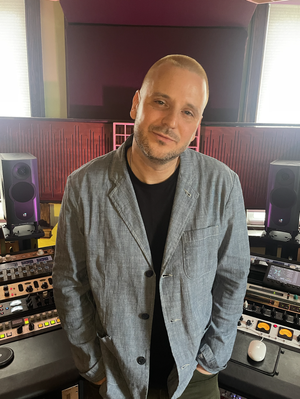
Ryan Schwabe
Grammy-nominated and multi-platinum mixing & mastering engineer
Founder of Schwabe Digital
HiFAL 2 (High Frequency Acceleration Limiter, pronounced “High Fall”) brings a classic vinyl mastering technique into the modern era. Using an often overlooked approach to high-frequency processing, HiFAL 2 lets you shape brightness, transient detail, and stereo image as subtly or aggressively as your mix needs. Designed for the mix bus, HiFAL 2 is jsut as useful anywhere in your mix where high frequencies need attention.