
HiFAL can operate in either LR (Left/Right) or MS (Mid/Side) mode, giving you different ways to control high-frequency dynamics across the stereo image. When switching modes, both the input and gain reduction meters update between LR and MS.
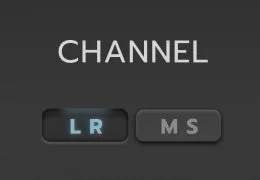
In LR (Left/Right) mode, I often leave the channels unlinked so the processor can grab any errant spikes that come up independently in each channel. Channel Link can then be increased if the gain reduction is moving the stereo image around too much. However, HiFAL is so fast that I almost always prefer letting it catch those unwanted transients in unlinked mode.
In MS (Mid/Side) mode, the Mid and Side signals often differ significantly in level, so unlinked thresholds are usually better for applying the appropriate amount of gain reduction to each.
Alternatively, you can set Channel Link to 100% and drive the gain reduction from the Mid channel. HiFAL will then respond only to high-frequency information in the Mid while applying the same gain reduction to both the Mid and Side channels, maintaining the stereo image. This is how a famous analog counterpart to HiFAL operates in MS mode. I think it is a pretty cool sound.
What is MS Processing
It’s important to understand that MS refers to Mid and Side, or more accurately, Sum and Difference, not mono and stereo. MS encoding and decoding involves simple phase-based signal combinations.
Encoding MS
Mid (M) = Left + Right
Side (S) = Left - Right (phase-inverted)
Decoding MS
Left = (M + S) / 2
Right = (M - S) / 2
The Mid channel represents what is common between left and right. The Side channel represents what is different. MS processing lets you manipulate these components directly, giving you more control over the stereo image.
Linked Average Stereo Control
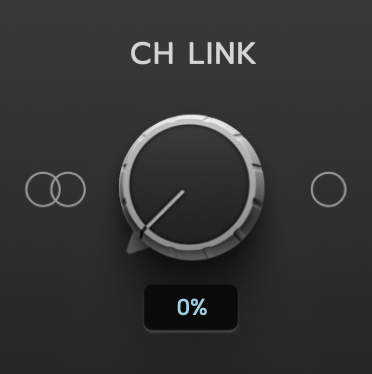
The Channel Link control in HiFAL determines how the left and right channels are combined at the detection stage of the compressor.
At 0% (Fully Independent), each channel is detected and processed separately. This dual-mono behavior allows full independence but may introduce stereo image shifts if one channel triggers more compression than the other.
At 100% (Fully Linked), HiFAL averages the peak levels of the left and right channels to create a single, shared control signal. This blended detection avoids the typical “peak-of-either” method, where a loud transient in one channel can dominate compression. Instead, it provides smoother, more balanced dynamic control across the stereo field.
At values between 0% and 100%, HiFAL blends between independent and linked detection, allowing for precise control over stereo cohesion.
This “average peak” rather than “peak of either” approach helps maintain a stable stereo image without letting a single transient dominate the compression.

In Practice:
I work in LR mode for about 90% of my mixes and masters, usually keeping Channel Link between 0 and 50%. If the gain reduction starts moving the stereo image around too much, I move it closer to 100% Linked.
M/S mode is useful when you want to target specific parts of the stereo image. You can process the Side channel to control cymbals or wide high-frequency content, or the Mid channel to control vocals and other center information.
At 100% Linked in M/S mode, gain reduction is driven from the Mid channel and applied equally to both Mid and Side, maintaining the stereo image while responding only to high-frequency transients in the Mid.
Be well,
Ryan Schwabe
Grammy-nominated and multi-platinum mixing & mastering engineer
Founder of Schwabe Digital
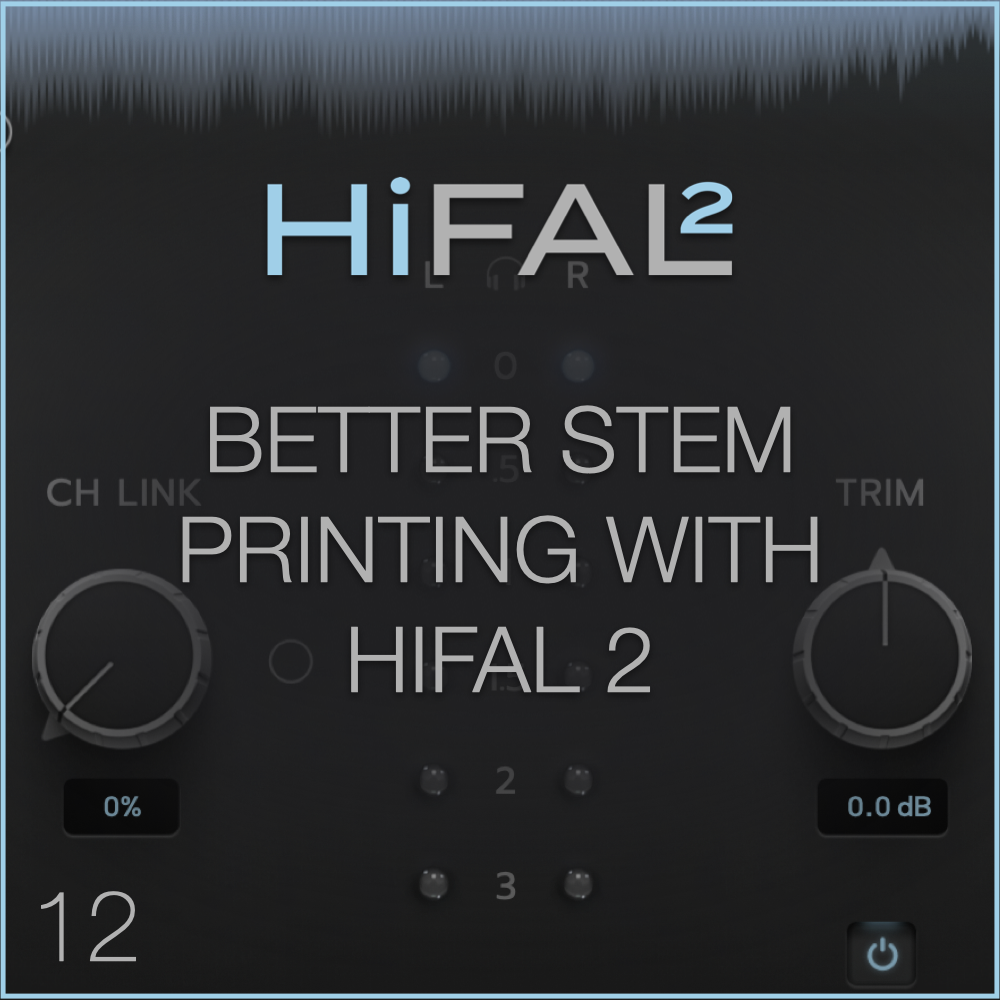

HiFAL 2 (High Frequency Acceleration Limiter, pronounced “High Fall”) brings a classic vinyl mastering technique into the modern era. Using an often overlooked approach to high-frequency processing, HiFAL 2 lets you shape brightness, transient detail, and stereo image as subtly or aggressively as your mix needs. Designed for the mix bus, HiFAL 2 is jsut as useful anywhere in your mix where high frequencies need attention.