

We are very excited to bring you GOLD CLIP version 1.2.1!
We have an updated interface, new oversampling options, a new downsampling filter technique, and some long-requested new features. Plus, we reset all 30-DAY FREE TRIALS. Check out all the new tech below.
Oversampling Upgrades
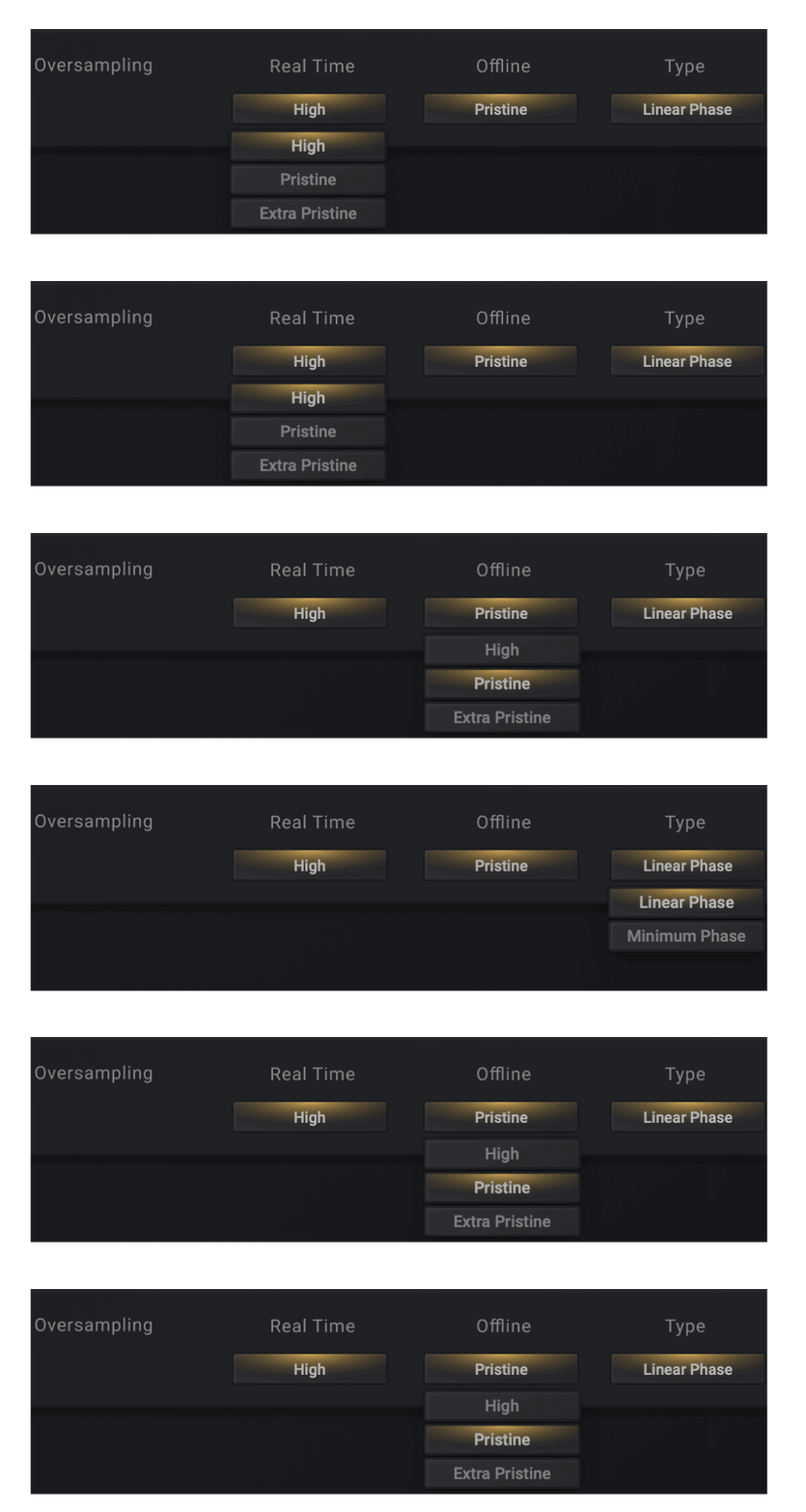
GOLD CLIP 1.2.1 allows you to choose between three different oversampling options: High, Pristine and Extra Pristine. You can also choose a different sampling rate for Real Time processing and Offline bouncing.
High - 4x (44.1kHz & 48kHz), 2x (88.2kHz and 96kHz+)
Pristine - 8x (44.1kHz & 48kHz), 4x (88.2kHz and 96kHz+)
Extra Pristine - 16x (44.1kHz & 48kHz), 8x (88.2kHz and 96kHz+)
Oversampling Type - The long-requested Linear-Phase and Minimum-Phase oversampling options are now available in the settings window of Gold Clip. Both oversampling approaches use a newly designed amplitude-modulated downsampling filter and antiderivative anti-aliasing processing.
Interface Updates
The Tooltips have been moved to the front page and a settings page gearbox icon has been added.

The Clip Filter has been moved to the top left of the clipper selection button.

Both AB states now save with your session and you can toggle between A and B without moving the mouse from A to B. Close your eyes, click and make your decision.

AAX - Pro Tools automation quick keys added.

The Settings page has been redesigned.

Gold Clip 1.2.1 is now available in the downloads folder in your Schwabe Digital account.
Also, the 30-day free trial period has been reset. If you tried Gold Clip before and you want to try it again, now is the time.
Tag @SchwabeDigital in an instagram story and show us how you are using the new GOLD CLIP.
We'll repost.
Be well,
Ryan Schwabe
p.s. Subscribe below for updates on Schwabe Digital Plugins.
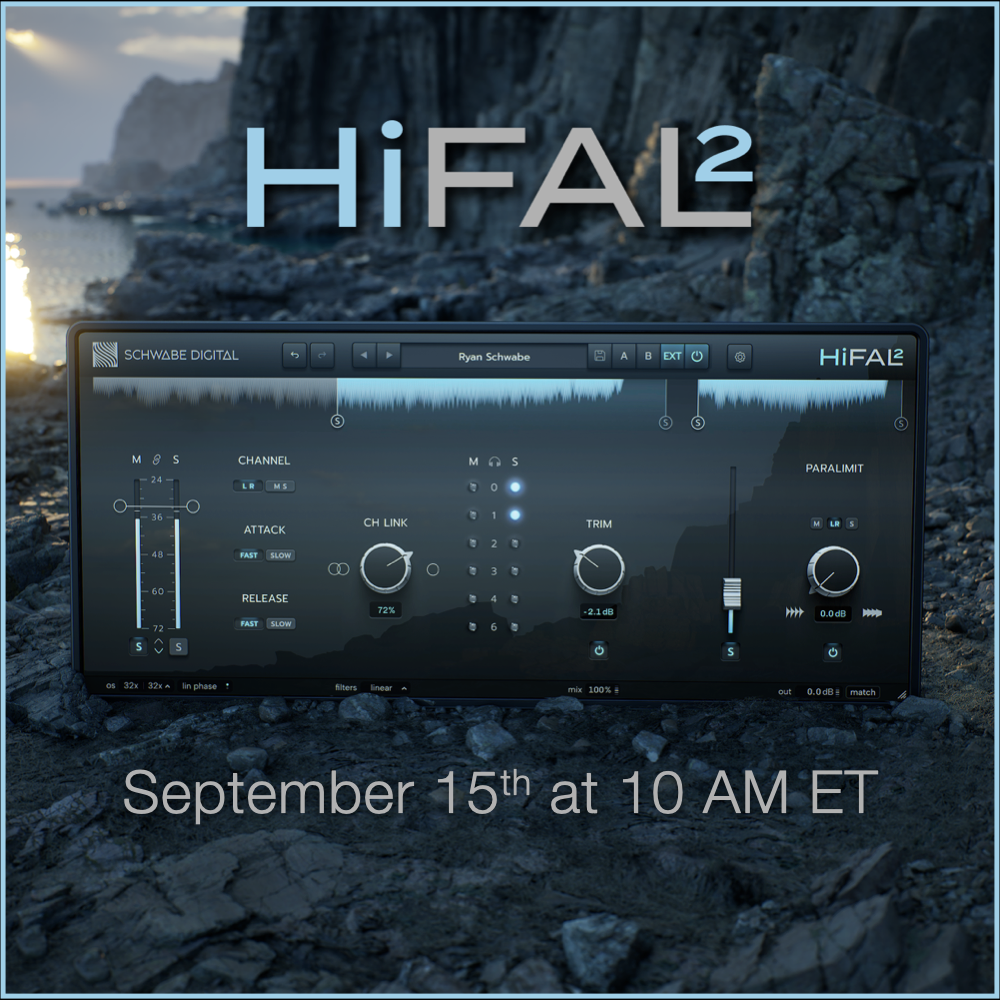
HiFAL 2 is Coming.
The concept is the same, but pretty much everything underneath it is new.
HiFAL 2 introduces SchwabeCore, a completely rebuilt filter bank with new filter modes, and a new approach to high-frequency stereo imaging using HiFAL’s acceleration limiting.
We also refined the interface and added some new tools, while keeping HiFAL simple and easy to use.
HiFAL 2 is a FREE UPDATE for all HiFAL owners and Rent-to-Own users. It uses the same license, and all your existing sessions will recall exactly as they should.
HiFAL 2 will be available September 15th at 10 AM ET.
More soon.
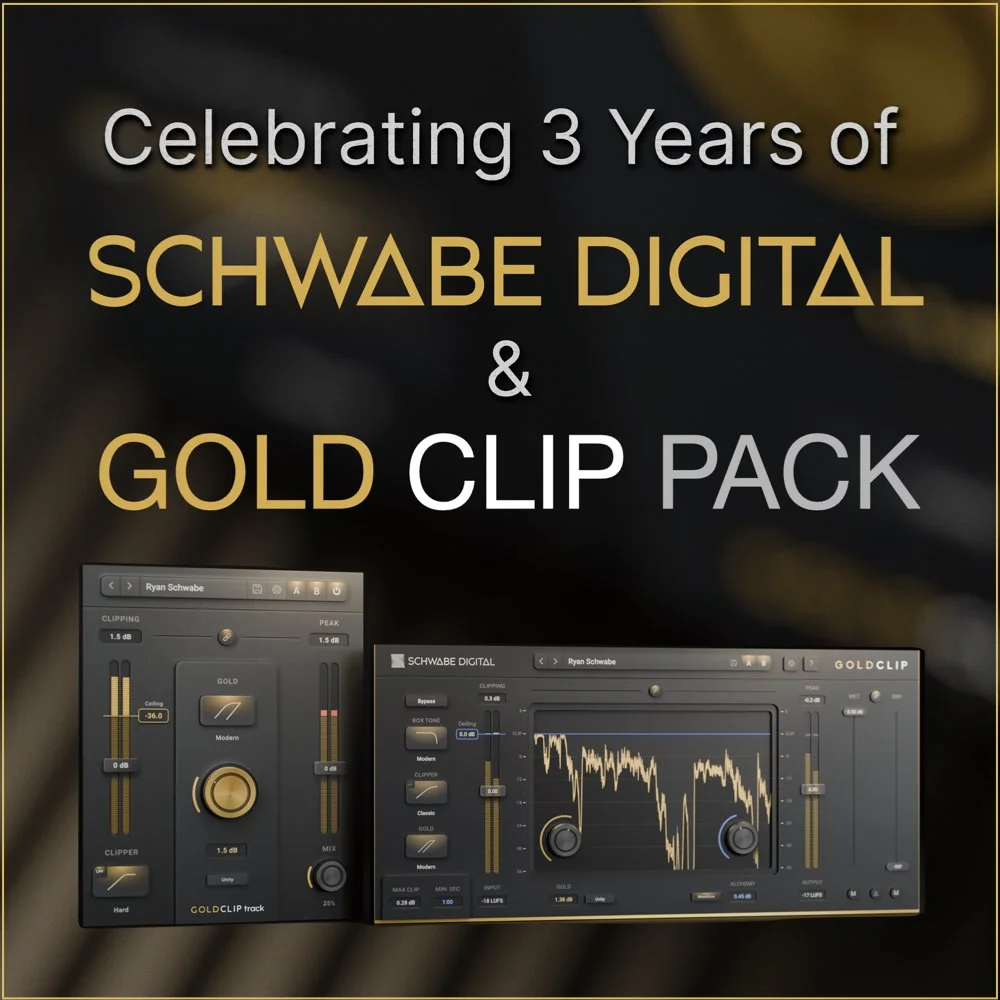
Five years ago, before Schwabe Digital even existed, I was sitting in my bedroom studio in West Philadelphia with some sketches in a notebook and a few transfer curves plotted out in Excel. At some point, I just Googled, “How do you build a plugin?”
It’s been a minute. Between studio work and plugin development, the team has been quietly growing. Researchers, programmers, mathematicians, product specialists and GUI designers all working together on some of the most exciting tools I imagined making.

Start your free 30-day trial and see how easy it is to set up HiFAL on your mix bus in 6 simple steps.

HiFAL (pronounced High Fall) adapts a classic vinyl-era mastering technique for modern mixing and mastering. It’s a smart, adaptive, and transparent high-frequency acceleration limiter capable of smoothing brightness without dulling the mix. Powered by our adaptive attack and release technology, transients stay natural while harsh peaks are tamed without losing their shape. On the mix bus, in mastering, or on individual tracks, it delivers bright, clean, controlled top end beyond what typical EQs, suppressors, and compressors are capable of.


We have two simple yet very useful FREE updates for you. Surgical clipping and right-click to solo!

The all-new GOLD CLIP PACK 2025.2 is HERE!
We’ve made oversampling easier—no more digging through menus. Now, it’s right there in the new Schwabe Digital Footer, just like in Orange Clip 3. A smoother, more intuitive experience for making the nuanced decisions that oversampling requires.
This update includes a fix for M4 Macs and other small improvements as well.

The all-new ORANGE CLIP 3 is HERE!
Orange Clip 3 redefines multi‐band clipping with a groundbreaking linear phase filter-bank, unrivaled routing capabilities, and an intuitive workflow. Fully reverse compatible with OC1, Orange Clip 3 is a seamless upgrade that installs without the need for reauthorization and still appears in your DAW as "Orange Clip." However, it is anything but the same; this powerful upgrade empowers you to push the boundaries of clipping, distortion, and tone shaping, unlocking endless creative possibilities for your mixes.

We have exciting news for GOLD CLIP users!
To show our appreciation for your support, we're upgrading all Gold Clip users to the new GOLD CLIP PACK!
Gold Clip Pack includes the original Gold Clip that you know and love, plus the FREE add-on plugin, GOLD CLIP track.

We’ve got some exciting news to share... We’ve gone through the entire codebase for both the Mac and Windows versions of Gold Clip, hunting for every possible efficiency. We analyzed every element and made improvements to enhance stability and performance—and the results are exceptional!

Alchemy is a high-frequency dynamic processor intended to soften the harshness that clipping can cause. We designed Alchemy when we originally built Gold Clip, and it sounds excellent, but the mastering engineer in me believes that everything in audio can be improved. So, we made Alchemy 2.

We have been working very hard to make major upgrades to both Orange Clip & Gold Clip. Log in to your Schwabe Digital account and download your free Orange Clip update today!

Below are some legendary engineers that are making music with a little help from Gold Clip. Read how they are using it and take a listen.

From launch to legend, GOLD CLIP has come a long way in one year. Several months before the release, I started an Instagram to talk my way through the making of Gold Clip.


Today marks the 6-month anniversary for the release of GOLD CLIP. I want to take this time to thank you all for the support and love you have shown.
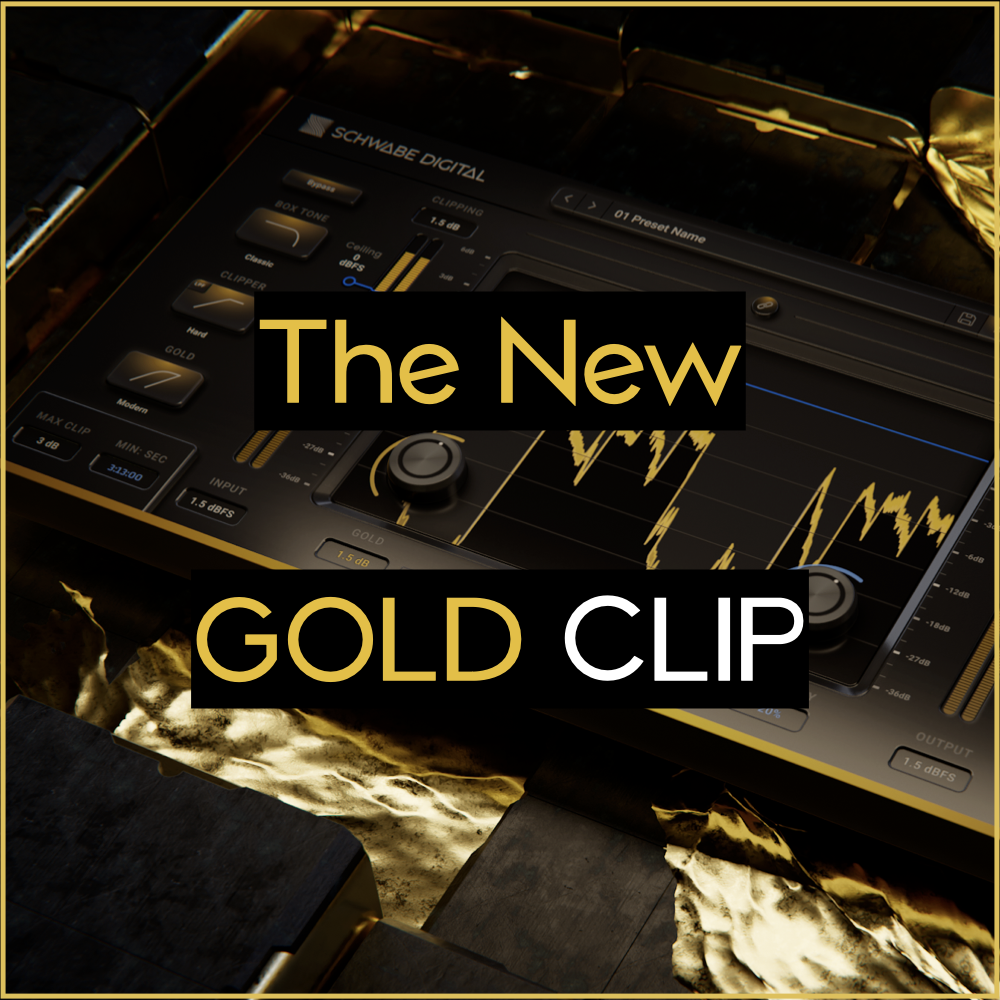
We have an updated interface, new oversampling options, a new downsampling filter technique, and some long-requested new features.

Open the iLok app, click your account name at the top left.
Select "Available" at the top and then locate the Schwabe Digital iLok asset.
Activate the asset by dragging it to your iLok key or computer. Or, Right-click on the asset and select activate.
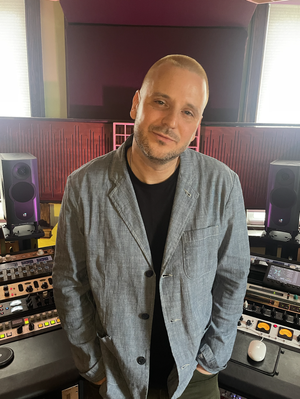
What started as an update turned into a pretty substantial rebuild. A lot of HiFAL 2 is now built around SchwabeCore, the new underlying technology platform we have been developing for Schwabe Digital plugins.